No. 01
Focused plugins for 3ds Max, each built around one effect and taken all the way. No subscription and no plans to choose between: you buy it once, and it is yours.
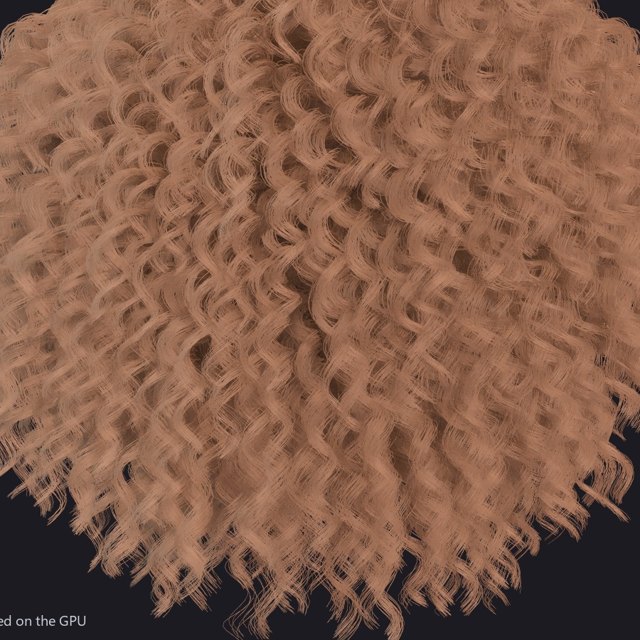
Hair and fur for 3ds Max - grown, groomed, simulated and ray traced on the GPU.
What it does →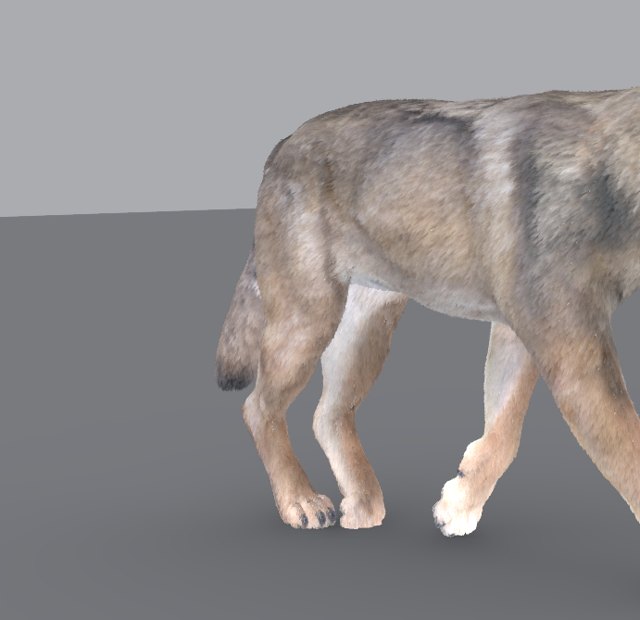
Soft tissue for 3ds Max creatures - skin and fat that lag, overshoot and settle over your animation.
What it does →
Snow that settles on every upward surface, and rain that wets, pools and runs - for 3ds Max.
What it does →
Cables, wires, string lights and ropes that hang the way real ones do - click two points.
What it does →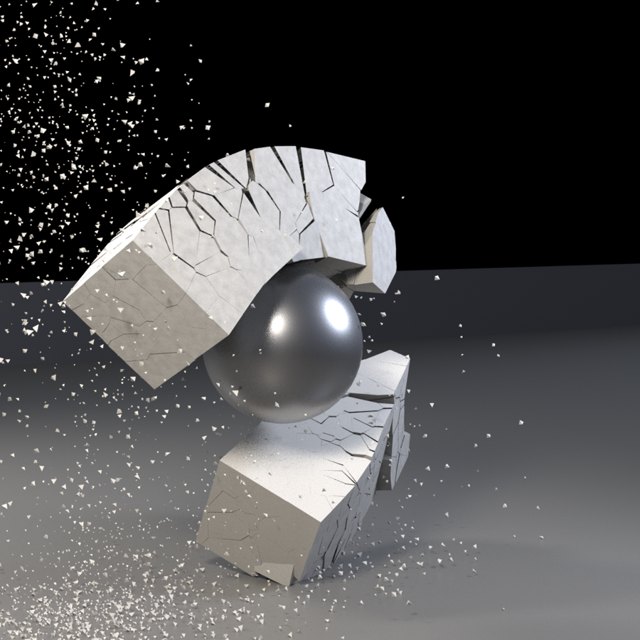
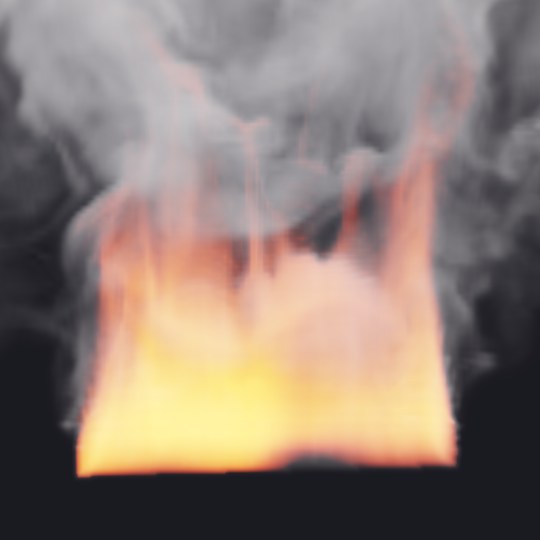
Fire and smoke on the GPU, with ready-made looks from a fireplace to a burning building.
What it does →
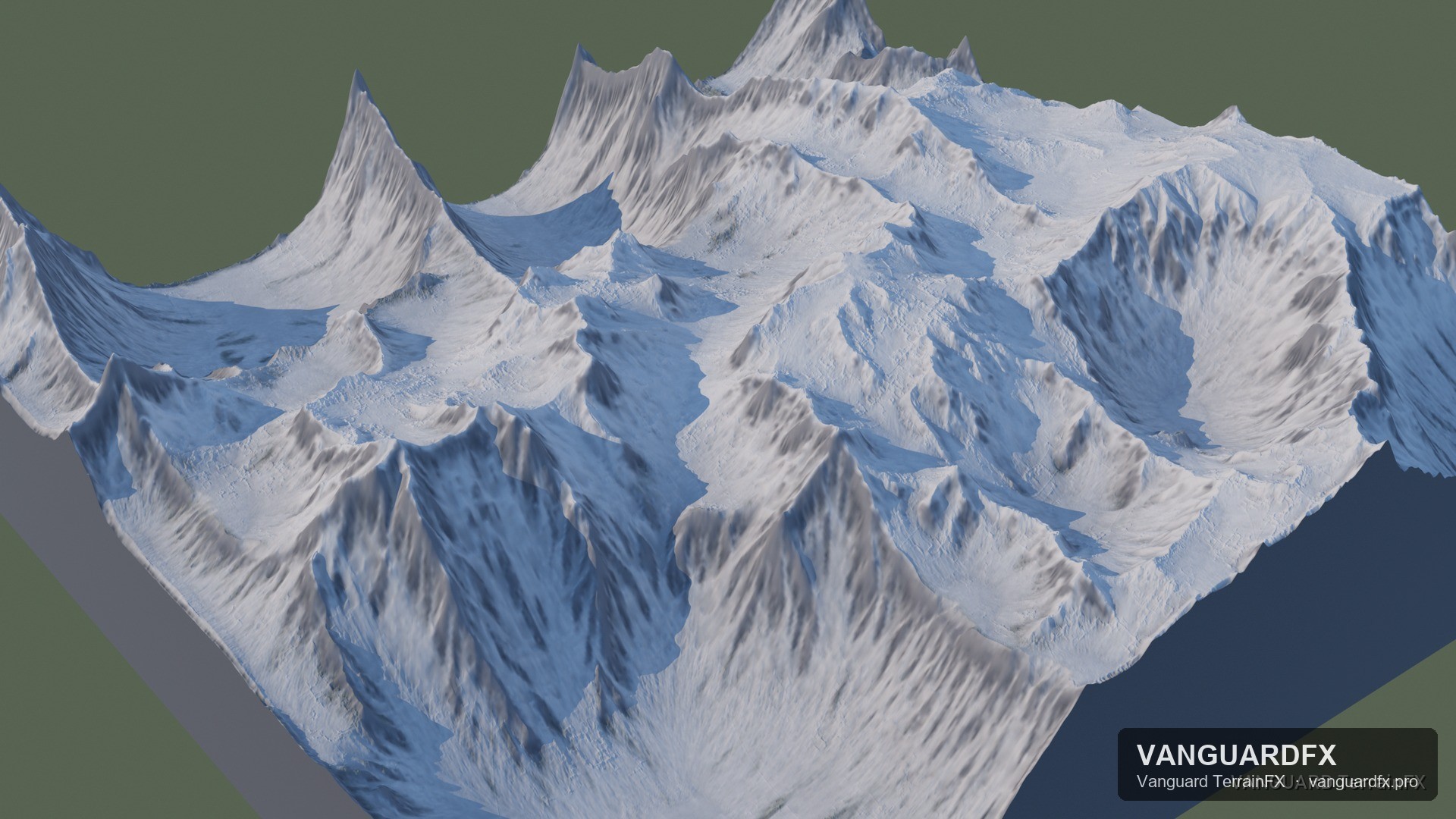
Terrain, erosion and rivers for 3ds Max - grown and carved on the GPU.
What it does →Bought on Gumroad? Exchange the key in your receipt at vanguardfx.pro/redeem.php first — that turns it into the licence your machine needs.